
Auto B-Roll Finder
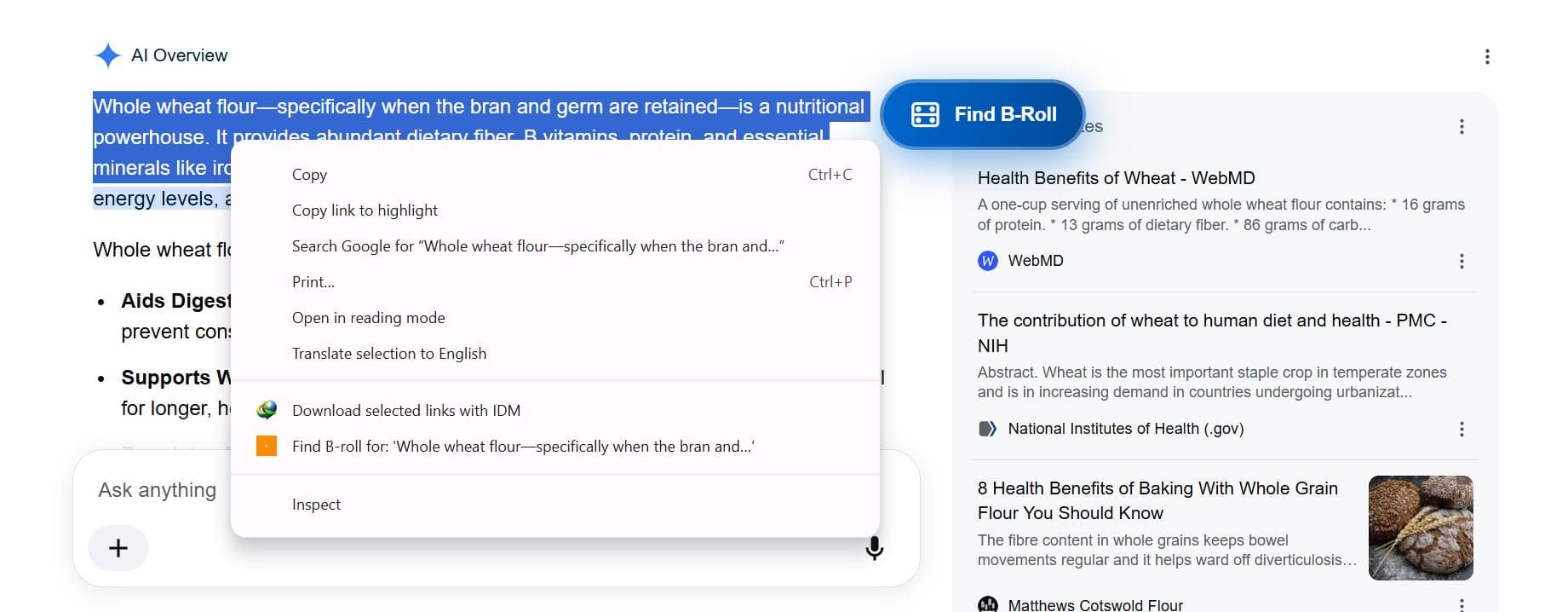
Highlight a sentence anywhere on the web — it becomes your search.
A browser extension that turns any selected text on any webpage into a stock footage search. Right-click, or use the floating button, and your full sentence gets pasted straight into a search pulling from Pexels, Unsplash, and a dedicated Pixabay tab — no alt-tabbing to a stock site and retyping what you just read.
Built for
What it does
- Select text on any webpage — right-click or the floating button turns it into a search
- Aggregates Pexels and Unsplash, plus a dedicated Pixabay search
- High-resolution images and video clips
- Save results into named collections, not a downloads folder
- 100% royalty-free — safe to use commercially
Highlight a sentence anywhere on the web — it becomes your search
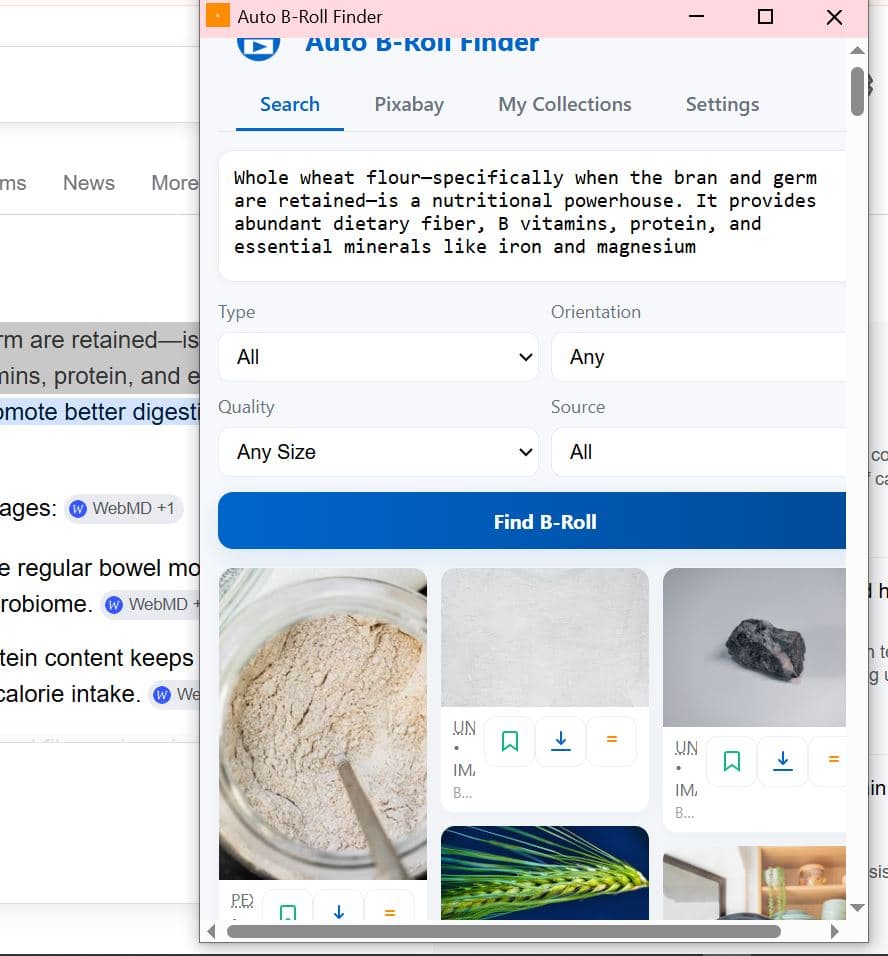
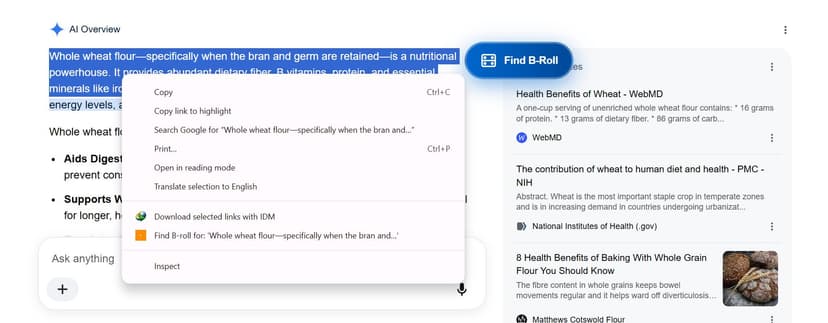
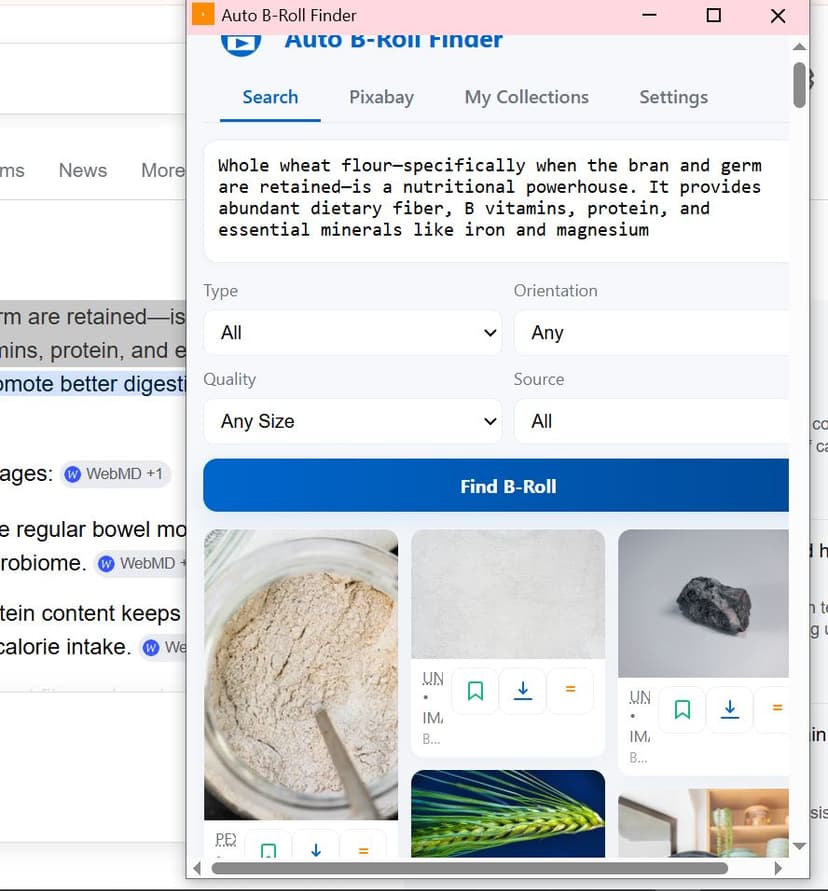
Reading a Google AI Overview about wheat flour, select the paragraph, and “Find B-roll for: ‘Whole wheat flour—specifically when the bran and…’” shows up right inside the native right-click menu — next to Copy and Print, not buried in a separate panel. A floating button appears too, for the same action without opening the menu at all. Either way, the full sentence lands straight in the search box, and real results — flour in a jar, wheat against open sky — are already waiting.
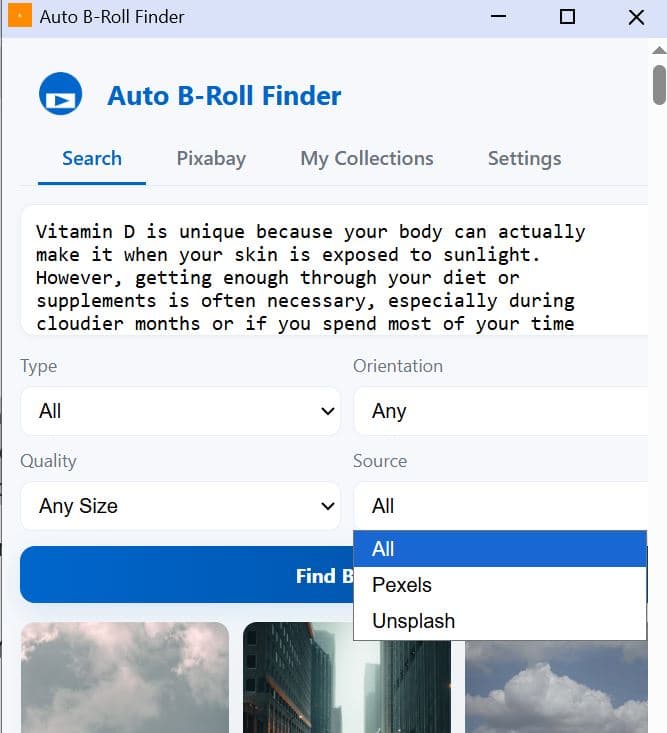
Pulls from Pexels and Unsplash together — or go straight to Pixabay
The main search aggregates Pexels and Unsplash under one “All” source, narrowable to just one or the other when you need a specific look. A separate, dedicated Pixabay tab sits right next to it for searching that library directly — breadth when you want options, precision when you already know where to look.
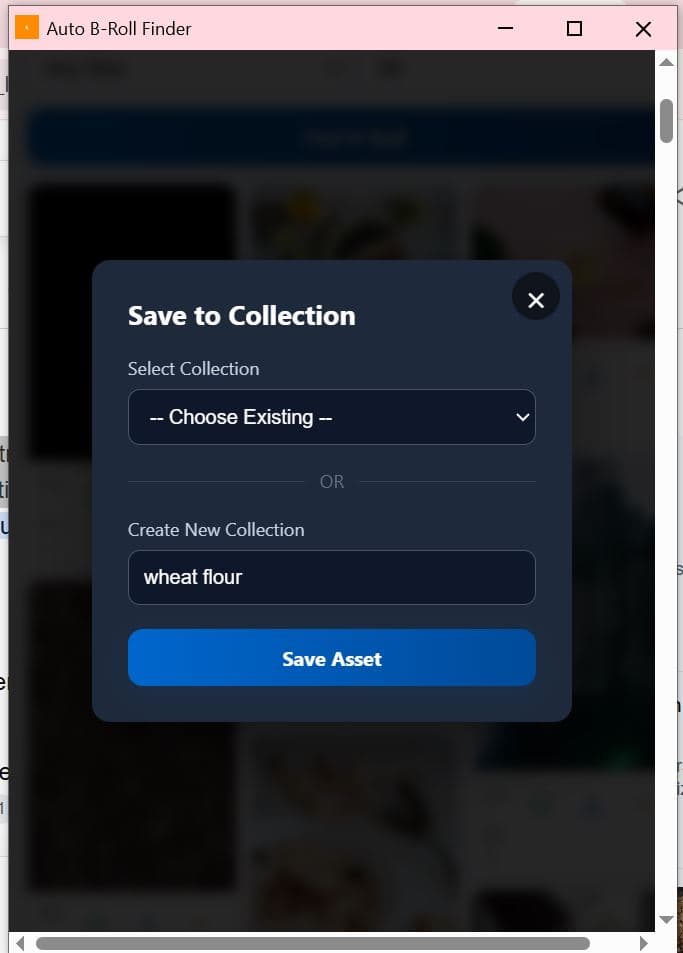
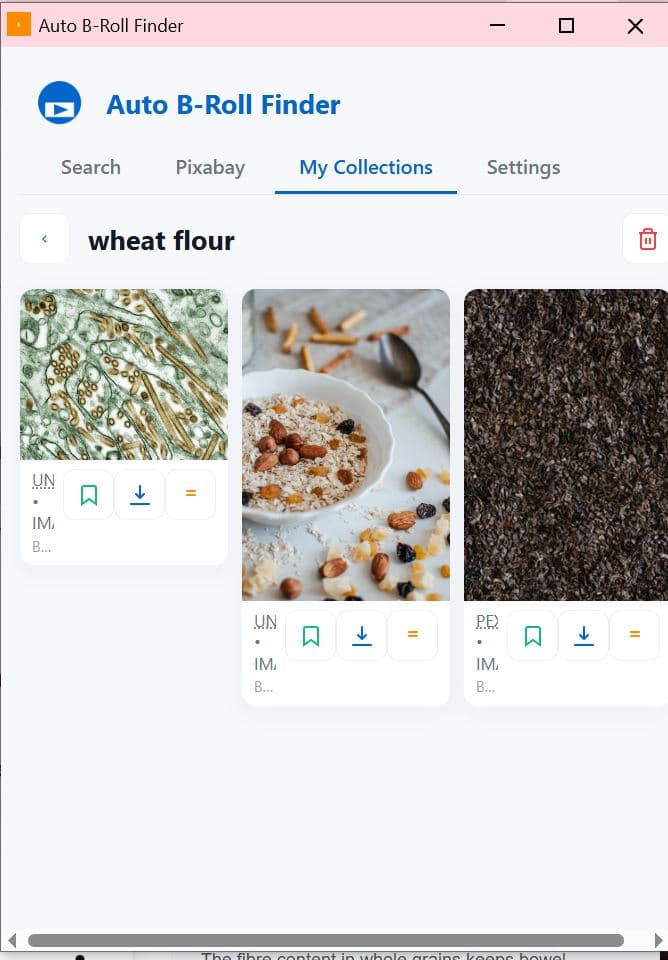
Every saved asset lands in a named collection, not a downloads folder
Save Asset into an existing collection or spin up a new one on the spot — “wheat flour” here — and it's waiting exactly where you left it later under My Collections, each card still showing its source (Unsplash, Pexels) and ready to bookmark or download again without re-searching.
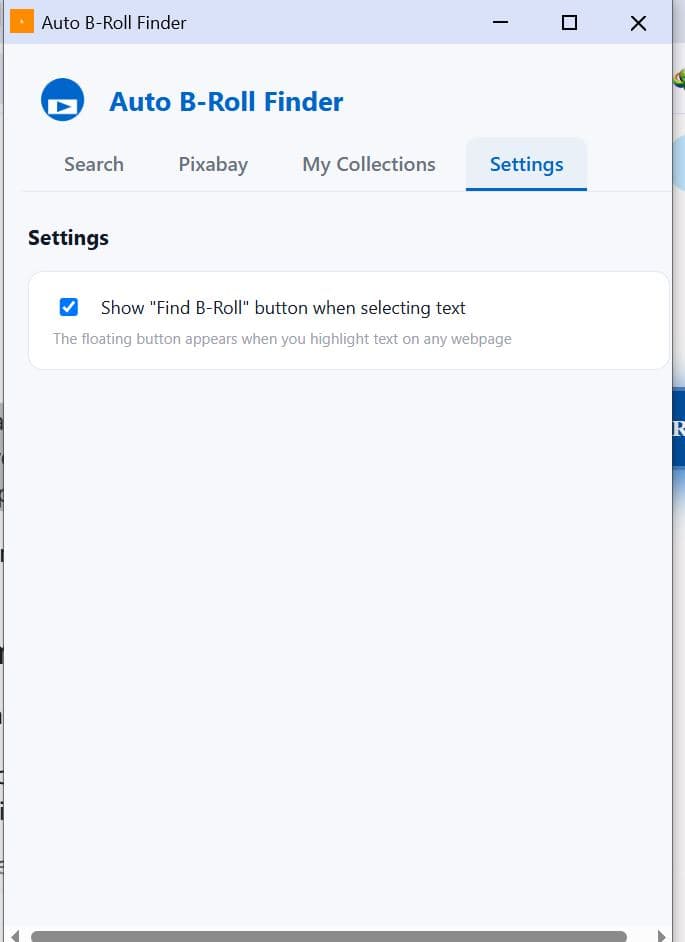
The floating button is optional — turn it off if it gets in your way
One real setting: whether that “Find B-Roll” button appears automatically whenever you select text on any page. On by default, but a single toggle away from disabling if you'd rather trigger it only through the right-click menu.